
Push MFA for Any App.
Bring modern push authentication to FirmBrowser App Recipes — even when the application itself doesn't support MFA.
One app. One approval experience. Across your organisation.
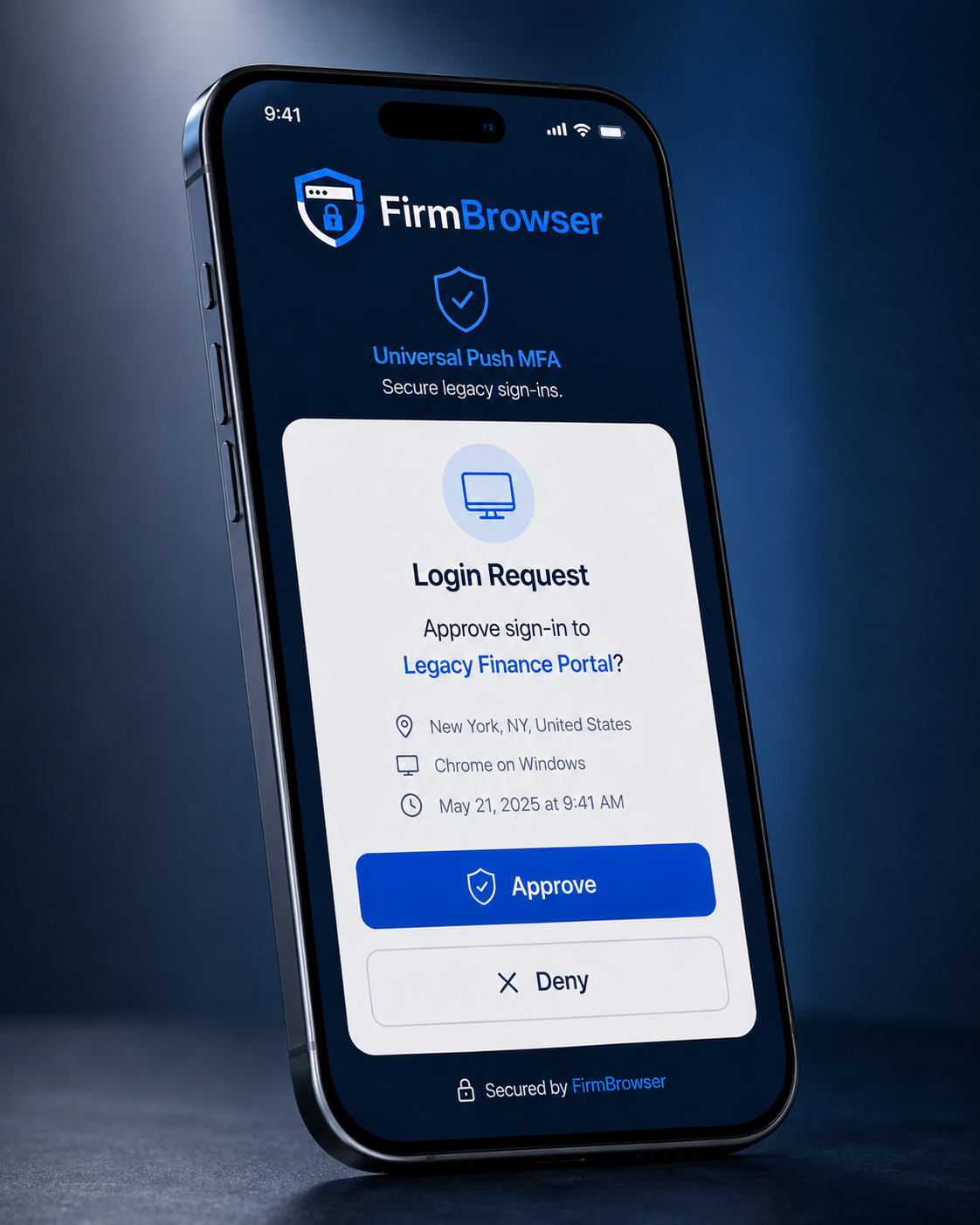
Login paused — waiting for approval on your enrolled device.
Universal Push MFA
Simple. Secure. Passwordless.
Login Request
Approve sign-in to QuotientApp?
- Brisbane, QLD, Australia
- FirmBrowser on Windows
- Today at 9:41 AM
Secured by FirmBrowser
Security no longer has to stop where the application's capabilities stop
Traditional MFA depends on the application vendor supporting it. FirmBrowser Universal Push MFA allows organisations to introduce a modern push-approval authentication step into FirmBrowser App Recipes — including legacy and specialist web applications that have no native MFA capability.
Your application doesn't support MFA? FirmBrowser can.
Three steps. Launch. Approve. Login.
Native iOS and Android apps provide a consistent push-based approval experience across FirmBrowser App Recipes.
Download the FirmBrowser App
Install the native FirmBrowser app on an iPhone or Android device and securely enrol the device with the user's FirmBrowser account.
Launch a FirmBrowser App Recipe
The user launches any protected App Recipe from FirmBrowser on their computer. Where MFA is enabled for that Recipe, FirmBrowser pauses the login workflow and requests approval.
Approve on your phone
A standard push notification arrives in the FirmBrowser mobile app. Tap Approve — FirmBrowser continues the automated login. Simple, familiar and consistent.
Turn password-only applications into MFA-protected workflows
Many organisations still depend on important web applications that only support a username and password. Historically there was little to be done without replacing the application, deploying complex identity infrastructure, or waiting for the vendor. FirmBrowser can place an MFA approval requirement into the App Recipe itself.
One mobile app. One familiar approval experience.
Different applications use SMS codes, email verification, TOTP authenticator codes, proprietary authentication apps, push notifications — or nothing at all. That means different workflows for users and different security standards for administrators.
One mobile app. One familiar approval experience.
Across your FirmBrowser App Recipes — regardless of what each application supports underneath.
FirmBrowser MFA + application MFA
Universal Push MFA is not only for applications without MFA. Where an application's own authentication forms part of its FirmBrowser Recipe, the mobile app can become part of the overall security workflow.
Depending on the application and security policy, FirmBrowser can provide an additional approval layer before the Recipe executes the application's existing authentication process. FirmBrowser does not need to weaken or remove an application's existing security controls in order to provide this capability.
Extend modern authentication to legacy web applications.
MFA policy that follows the application
MFA is configurable at the App Recipe level, so administrators decide exactly where an approval step is required — and where an application's own strong authentication is already enough.
- Recipe A · Practice ledger FirmBrowser Push MFA every launch
- Recipe B · Document portal MFA according to organisational policy
- Recipe C · Banking platform Strong native authentication — no additional FirmBrowser challenge
- Recipe D · Payroll FirmBrowser MFA + application MFA
Remarkably simple for the user. Extremely powerful for the organisation.
Add MFA to legacy applications
Protect applications that have never offered MFA.
Consistent user experience
One familiar push approval process instead of numerous authentication methods.
Native iOS + Android apps
A purpose-built FirmBrowser authentication experience on the devices staff already carry.
Protect existing App Recipes
MFA becomes part of the FirmBrowser Recipe security workflow.
Strengthen existing MFA
Add FirmBrowser approval in front of applications that already use MFA where additional assurance is required.
No application modification required
The underlying website does not need to know FirmBrowser has introduced the additional approval requirement.
Central security policy
Administrators determine which App Recipes require approval.
Secure every sign-in. Anywhere.
Native iOS and Android apps deliver push approval for FirmBrowser App Recipes — simple, secure and consistent for every user.
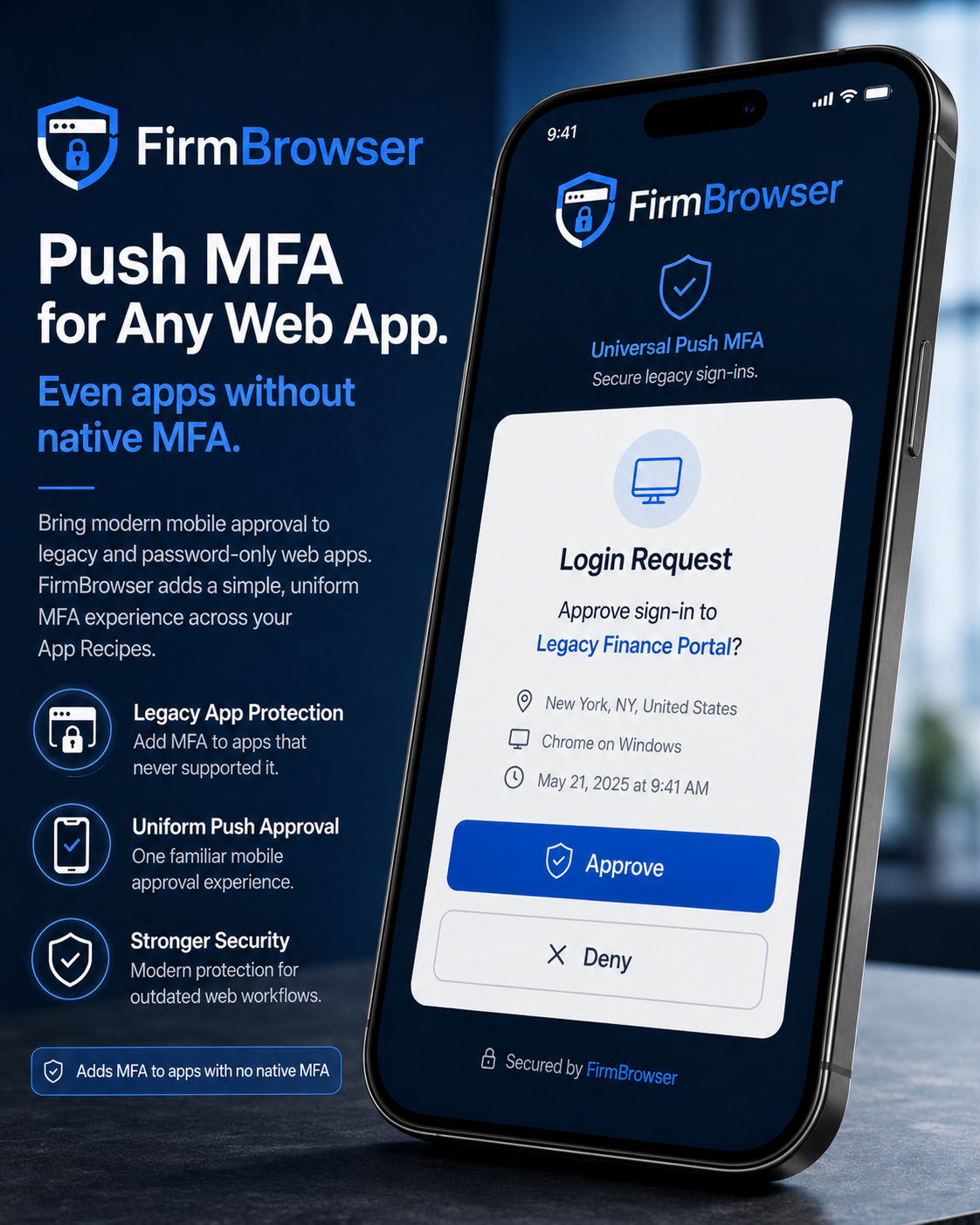
FirmBrowser Universal Push MFA on iOS and Android. Tap or click to view full size.
Security shouldn't depend on the website vendor
A business may have hundreds of web applications. Some have excellent modern security. Some have outdated security. Some still provide little more than a username and password. FirmBrowser allows the organisation to apply its own security controls around access to those applications, rather than being completely dependent upon the security capabilities of every individual software vendor.
An MFA requirement is only useful while it is still being enforced
FirmBrowser Sentinel AI exercises each protected App Recipe on a schedule and confirms the push approval step is still part of the authentication workflow. If an application change alters the login sequence, administrators are told before a user discovers it.
Your web apps change. Sentinel AI watches.
Sentinel AI continuously exercises, analyses and validates your App Recipes — helping detect workflow changes, security concerns and failures before they affect your users.
Know before your users do.
Explore AI-powered app assuranceEvery Recipe carries its own monitoring schedule.
An agent executes the Recipe and observes every step.
AI explains whether a change actually matters.
Healthy, change detected, warning or failed — at a glance.
Bring push MFA to every App Recipe.
See FirmBrowser Universal Push MFA applied to your firm's own applications — including the ones that never supported MFA.